Export Form & Waiver Responses
LoopSpark allows you to export form and waiver completion history, including responses to all questions submitted within the form.
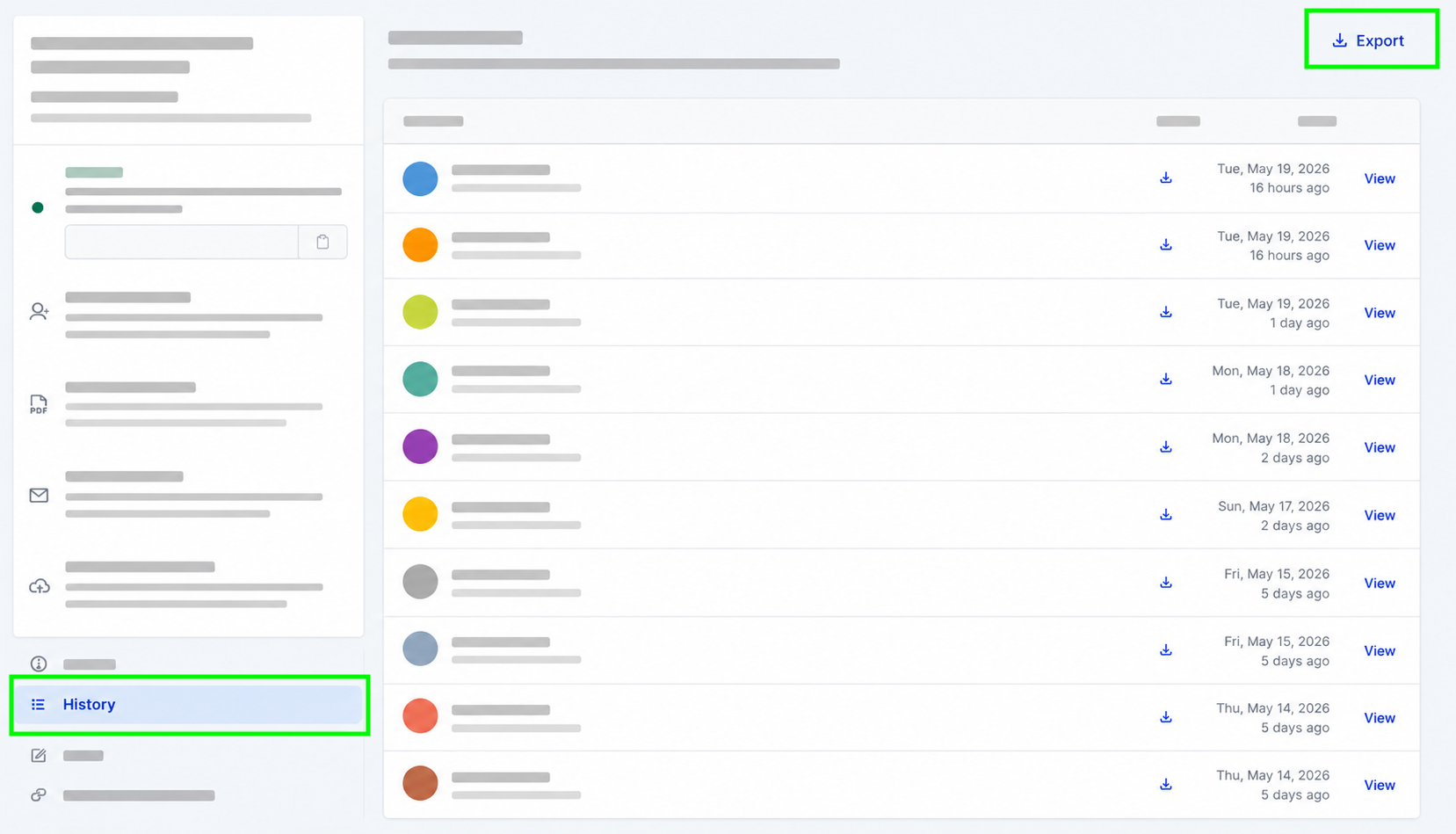
Exporting Form Responses
- Navigate to Forms & Waivers https://app.loopspark.com/forms
- Select the form or waiver you would like to export responses from
- Open the History tab within the form detail page
- Click Export in the upper right corner of the form completion table
- Open the downloaded CSV file
What’s Included in the Export
The export includes:
- Client information
- Submission timestamps
- IP address of submission
- Link to download form submission
- Responses to all questions submitted within the form or waiver
This export can be used for reporting, auditing, data review, or importing responses into external systems.